
USDT in. Code out.
Three steps from your wallet to a code you can use today: the region on every card, the price fixed at checkout, and the code on your activation page and by email within minutes.
- USDT on 4 networksBNB Chain, Polygon, Ethereum, TRON
- 13 productsand 210 eSIM destinations
- Code by emailPlus your own activation page
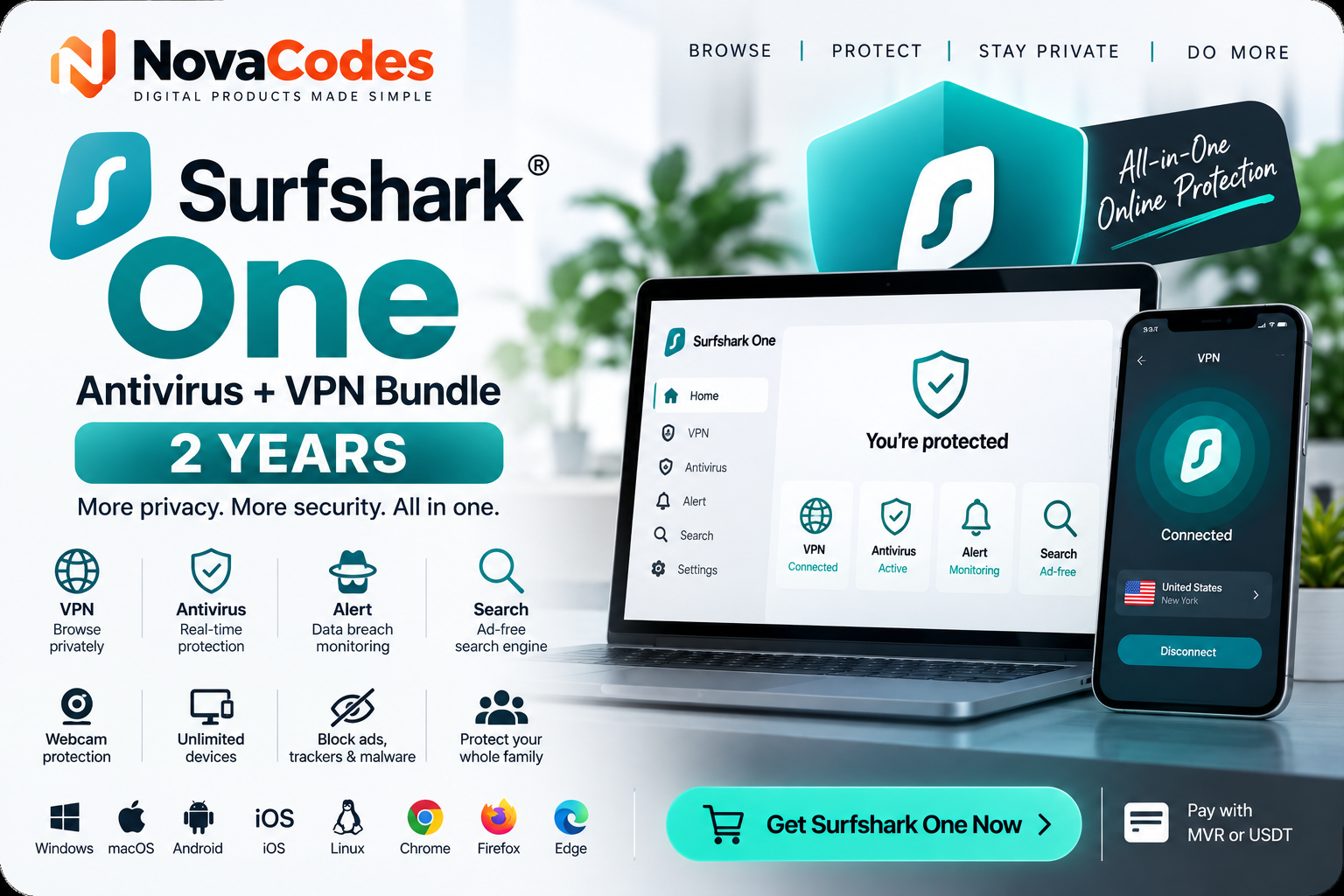
From your wallet to a working code
- 1
Choose a card, key or eSIM
Search or browse by category. Every card shows its region and face value, and the price in MVR, USD or USDT before you pay. Pick the region that matches the account where the card will be used.
- 2
 Send exactlyUSDT 25.00we watch the address
Pay in USDT
At checkout you choose a network and get a USDT address with the exact amount, fixed for this order. Send from any wallet or exchange. We watch the address for 15 minutes; a late transfer is matched by our team.
- 3Payment receivedYour code is ready:
novacodes.app/a/…email from NovaCodesYour code arrives by email
The moment the transfer is matched you get an email with a private activation page for every unit. Reveal the code, copy it, mark it as activated. It stays under My orders whenever you need it.
What happens after you pay?
Your order page updates at every stage. No refreshing, no guessing.
- Awaiting transferThe exact amount and our account, or a USDT address, are on your order page.
- MatchingWe watch the account and the chain automatically for 15 minutes, then our team checks your receipt by hand.
- PaidYour transfer is matched to the order by its amount and the sender’s name.
- DeliveredCodes and links by SMS and on your activation pages; eSIMs as a QR code.
Why NovaCodes
- Region on every card
US, Global, MV: the region is on the tile, on the product page and at checkout, so the card works where you redeem it.
- MVR, USD and USDT
Prices in the currency you pay in. No conversion at the bank, no surprise: the amount you see is the amount you transfer.
- Delivered in minutes
Stocked codes go out the moment your transfer is matched. Items prepared by hand say how long they take before you buy.
- Private activation pages
Each unit has its own secure link. Reveal, copy, mark as activated, and find it again under My orders.
- Wholesale rates and an API
Resellers get their own price list, a balance to pay from and the Deliver API for delivery straight to their customers.
- People, daily 09:00–23:00
Call, SMS or WhatsApp +960 949-4941 with your order number, Malé time, every day.
Ways to pay
- Tether (USDT)BNB Chain, Polygon, Ethereum or TRON
- NovaCodes balanceRefund credit, and top-ups for wholesale members
Staying safe
Your codes appear only on your activation pages and in the email we send from NovaCodes. We never ask for a code back over chat or phone, never ask you to change your account region, and never ask you to pay to release an order. If someone you do not know asks you to buy gift cards to settle a bill, a fine or a debt, it is a scam: stop and talk to someone you trust.
Common questions
What if I send a different amount?
Send the exact amount shown at checkout. If the transfer differs, our team matches it by hand using the receipt you attached. Anything extra goes to your NovaCodes balance, where you can spend it or ask for it back.
The transfer came from someone else’s account
We match transfers by amount and by the sender’s name, so a transfer from another name is checked by our team before the order is marked paid. Keep the receipt and your order number ready.
I used the wrong USDT network
Send only USDT, on the network you chose at checkout. Another coin, or USDT on another network, cannot be recovered. If you are unsure, pick the network at checkout first and copy the address from there.
Can I cancel after paying?
Before delivery, yes: we refund the full amount, to the account it came from or to your balance. Once a code has been revealed on its activation page it cannot be returned, because it can no longer be resold. See the refund policy.
Do I need an account?
No password, ever. You sign in with your phone number and a code we send you. Checkout asks for your full name so that we can match your bank transfer to your order.
Are there any fees?
We add no fee. Your bank may charge for a transfer, and a USDT network charges its own fee when you send. The price you see at checkout is the amount to transfer.
More in the help page, the refund policy and the terms.
- 0
- products on sale
- 0
- eSIM destinations
- 0
- currencies: MVR, USD, USDT
- 0 h
- of support a day
Ready when you are.
Pick a card, transfer, and your code is on its way.